Frontend Image Replace
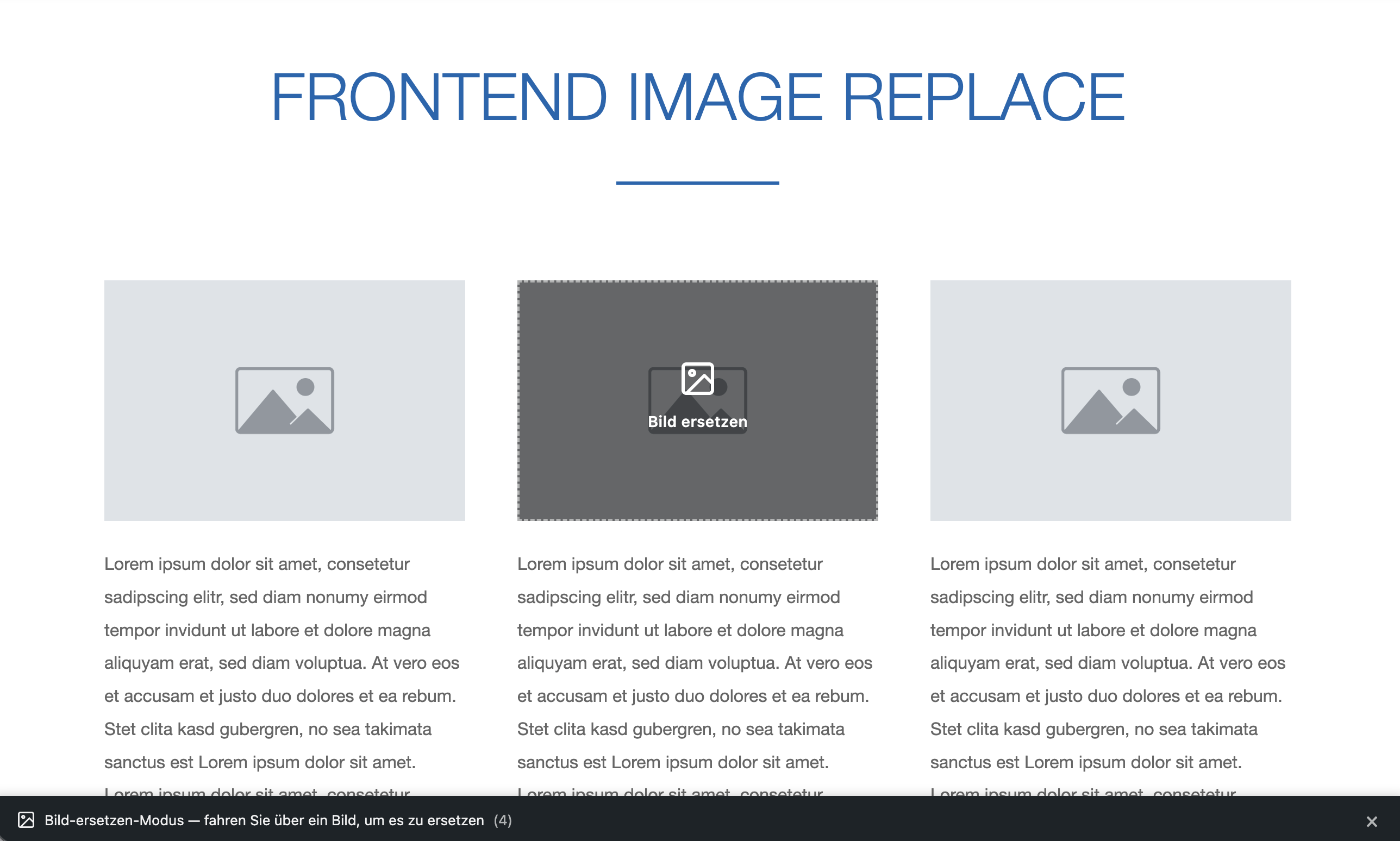
Replace images directly from the frontend. Upload a new image, and it swaps into your content instantly. No more digging through the WordPress admin.
Features
Everything you need to manage images from the frontend.
Hover Overlay
Move your mouse over any image and a replace button appears. Click to upload a new image.
Media Library Upload
New images go straight to the WordPress media library. References update automatically.
Works Everywhere
Gutenberg, Classic Editor, LiveCanvas — works with any theme and page builder.
Free vs Pro
| Feature | Free | Pro |
|---|---|---|
| Hover overlay | ✓ | ✓ |
| Media library upload | ✓ | ✓ |
| Works with any theme | ✓ | ✓ |
| Gutenberg, Classic, LiveCanvas | ✓ | ✓ |
| Translation-ready | ✓ | ✓ |
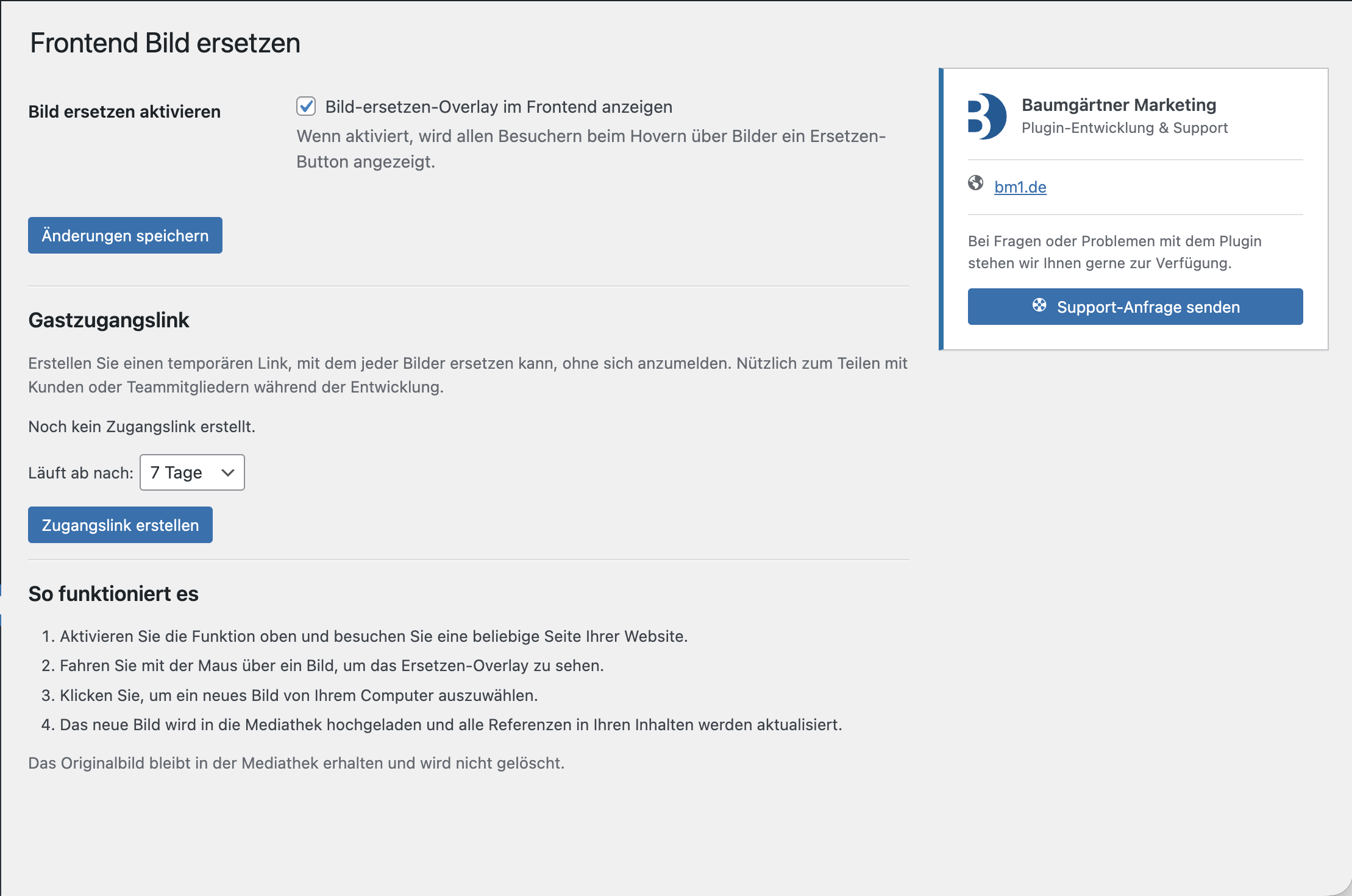
| Guest access via shareable links | ✗ | ✓ |
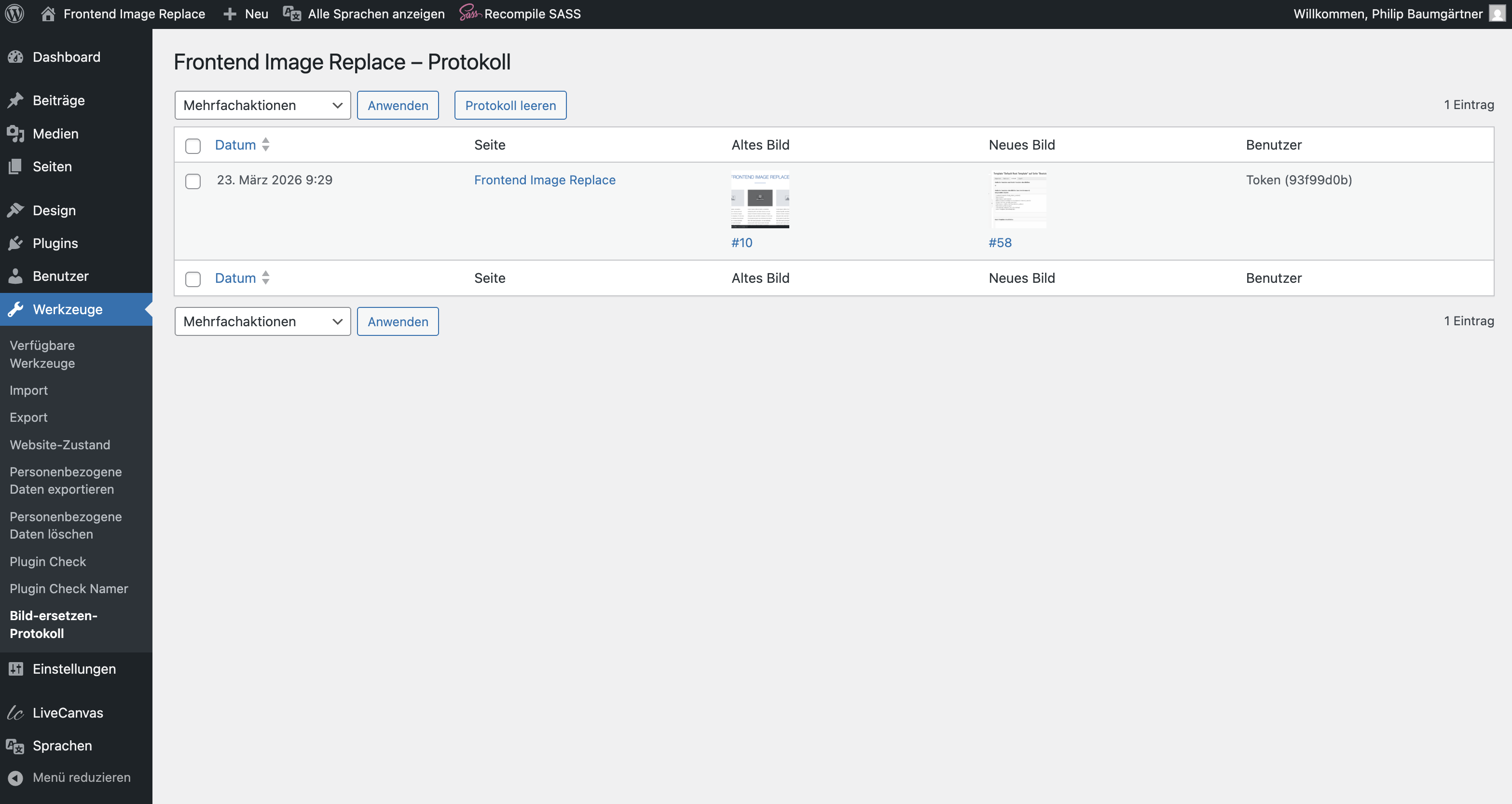
| Activity log | ✗ | ✓ |
| Priority support | ✗ | ✓ |
Screenshots
See the plugin in action.
Pricing
Start free. Upgrade when you need more.
Launch offer: use code
LAUNCH50 for 50% off — valid until May 31, 2026
Free
$0
forever
- ✓ Unlimited replacements
- ✓ Hover overlay
- ✓ Media library upload
- ✓ All editors supported
Popular
Pro – Yearly
$49 $24.50
per year
- ✓ Unlimited replacements
- ✓ Guest access links
- ✓ Activity log
- ✓ Priority support
- ✓ All free features
Pro – Lifetime
$139 $69.50
one-time payment
- ✓ Unlimited replacements
- ✓ Guest access links
- ✓ Activity log
- ✓ Priority support
- ✓ Lifetime updates
Frequently Asked Questions
Yes. Frontend Image Replace works with any WordPress theme. It detects images from the media library on any frontend page and adds the hover overlay.
The original image stays in the media library. The new image is uploaded as a new attachment, and only the reference in the post content is updated.
With the Pro version, you can generate temporary shareable links. Anyone with such a link can replace images — no WordPress account needed. Links expire automatically.
No. The free version offers unlimited image replacements with full functionality. Pro adds guest access links, an activity log, and priority support.
Gutenberg (Block Editor), Classic Editor, and LiveCanvas are fully supported. The plugin updates image references regardless of how the content was created.
Yes. The site logo is automatically excluded. For any other image, add the CSS class
fir-no-replace to the image or a parent element to prevent it from being replaceable.